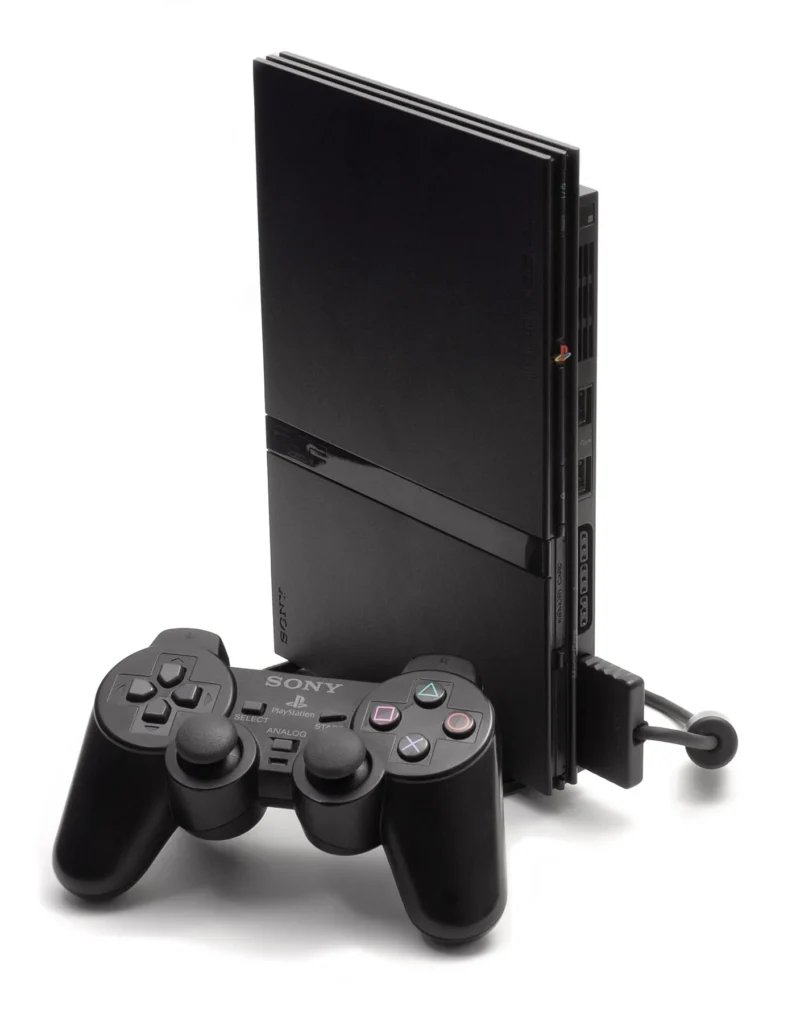
PlayStation 2 Slim
1️⃣ Console Setup (3 steps)
• Power & TV — Connect power and AV to the TV. Select the correct TV Input.
• Boot — Power on; you should see Browser/System configuration in ~10 seconds.
• Controller — Plug into Port 1; test in menu insert PS2 game.
2️⃣ Accessories Setup
• Video — Use AV Cable, pick the matching TV input source.
• Controllers — plug into Port 1; test D■pad and buttons in menu/game.
• Memory Card — insert into Slot 1; save and load to confirm.