
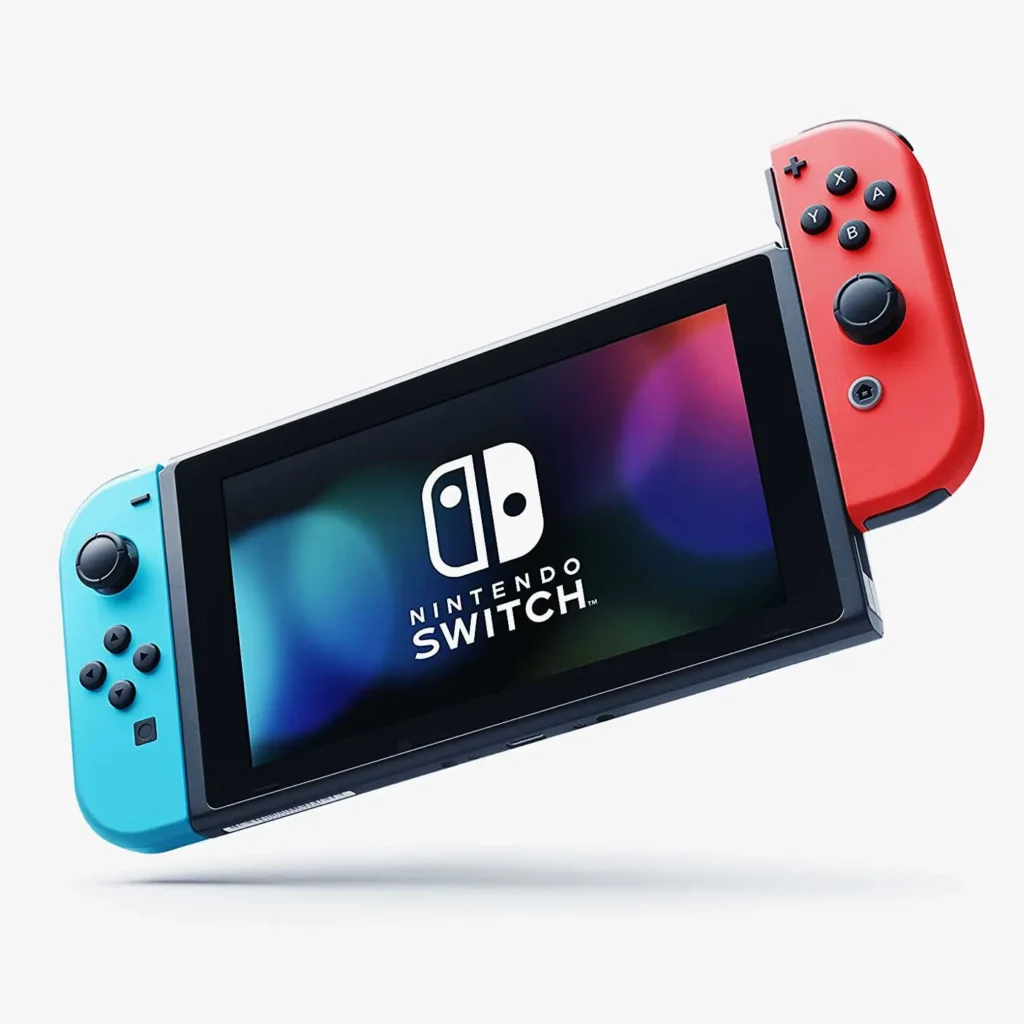
Nintendo Switch
1️⃣ Console Setup (3 steps)
• Charge — dock or AC adapter until battery shows charging.
• Power — attach Joy■Cons and power on to Home screen.
• TV mode — dock the console → select the TV’s HDMI input.
2️⃣ Accessories Setup
• Joy■Cons — attach to pair automatically; or hold Sync on each Joy■Con and choose Controllers → Change
Grip/Order.
• Dock — AC adapter to dock → HDMI to TV → select TV input.
• MicroSD — optional: insert into slot (power off first).
3️⃣ Fast Fixes
• No video on TV — reseat HDMI in dock and TV; try a different HDMI port/cable.
• Joy■Cons won’t pair — attach to rails to pair; then remove and test wireless.
• Won’t charge — use the official AC adapter; check dock power light.