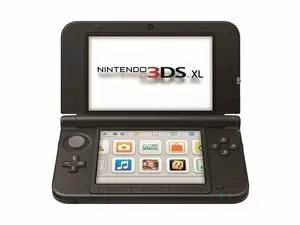
Nintendo 3DS / 3DS XL
1️⃣ Console Setup (3 steps)
• Charge — plug in AC adapter until LED shows charging.
• Power — press Power; adjust 3D slider if needed.
• Game test — insert a 3DS game and start it.
2️⃣ Accessories Setup
• Wi■Fi — optional: connect in System Settings → Internet Settings.
• SD card — confirm detected in Data Management.
• Parental controls — optional: set in System Settings.