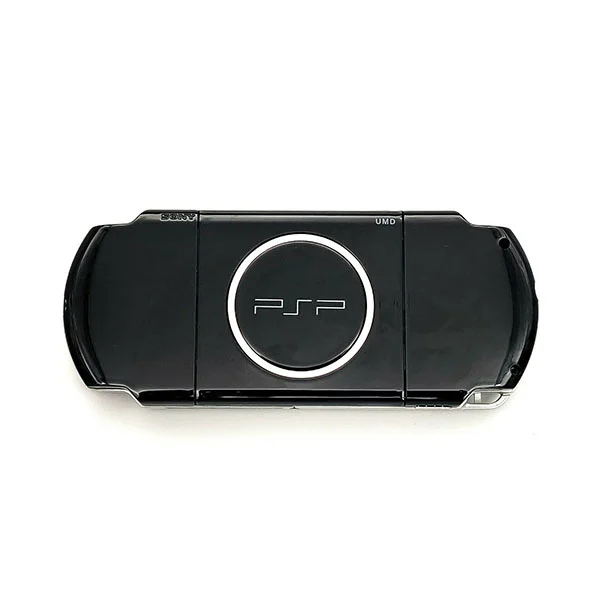
Sony PSP
1️⃣ Console Setup (3 steps)
• Charge — connect AC adapter; charging LED should light.
• Power — slide power to boot.
• Game test — insert a UMD game and start it.
2️⃣ Accessories Setup
• Memory Stick — insert and format in Settings (sold separately).
• Wi■Fi — optional: connect in Network Settings.
• USB — connect to PC to verify USB mode.