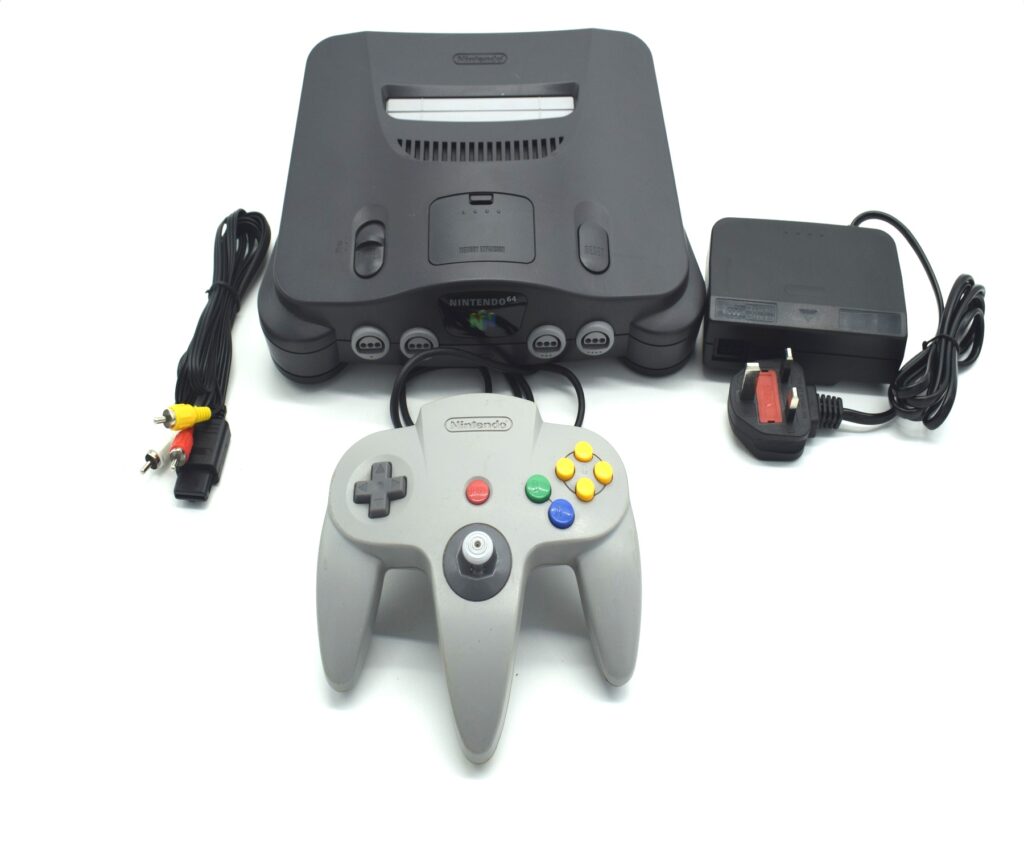
Nintendo 64
1️⃣ Console Setup (3 steps)
• Power & AV — connect composite AV/HDMI to TV; select the matching input.
• Cartridge — insert firmly then power on.
• Controller — connect to Port 1; test joystick and buttons.
2️⃣ Accessories Setup
• Expansion Pak — verify installed if a game requires it.
• Controller Pak — optional: insert for save support.
• AV to HDMI — use a converter if your TV has no AV inputs.