
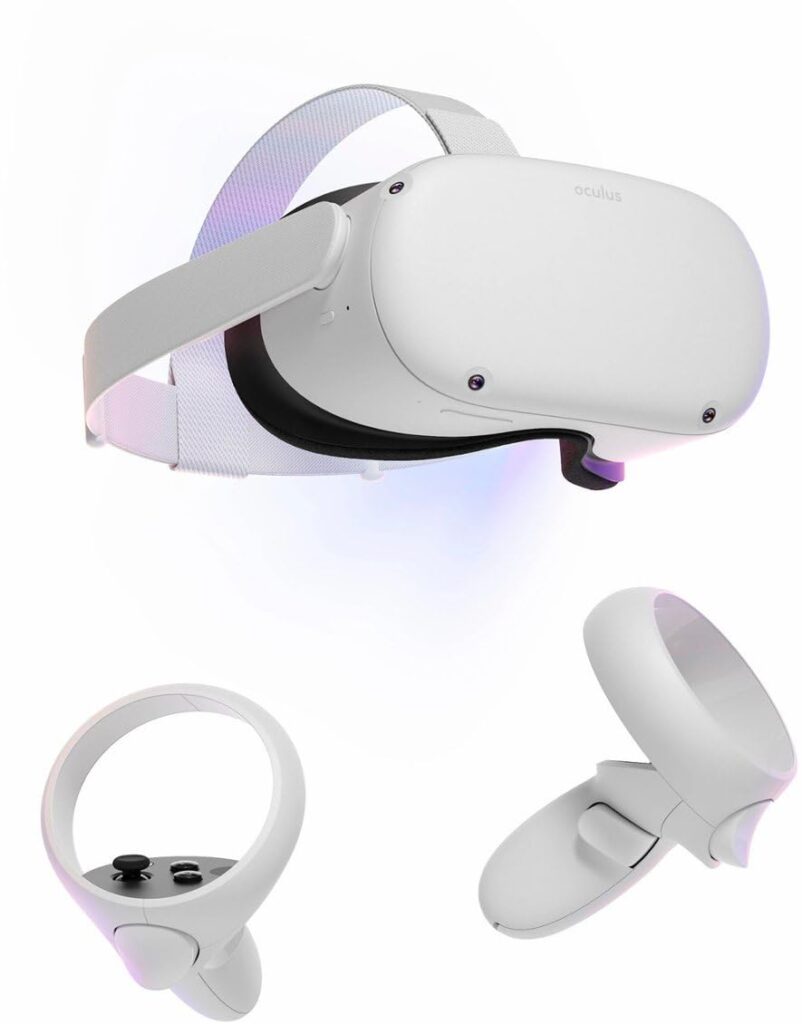
Meta Quest 2 (VR)
1️⃣ Console Setup (3 steps)
• Charge — USB■C until LEDs indicate charging.
• Power — hold Power to turn on; complete on■headset setup.
• App — install Meta Quest app; sign in and pair the headset.
2️⃣ Accessories Setup
• Guardian — set your play area to avoid obstacles.
• Controllers — insert batteries; they should auto■pair.
• Wi■Fi — connect to your network in Settings.
3️⃣ Fast Fixes
• Blurry image — adjust strap and IPD positions (1/2/3).
• Won’t turn on — hold Power 10 seconds; charge 30 mins; try again.
• Controller not tracking — Open the Meta Quest mobile app, go to Menu > Devices > Headset Settings > Controllers, and then select Pair New Controller. On your controller, press and hold the Meta/Oculus button and the Y or B button until the controller vibrates, then follow the on-screen instructions in the app.