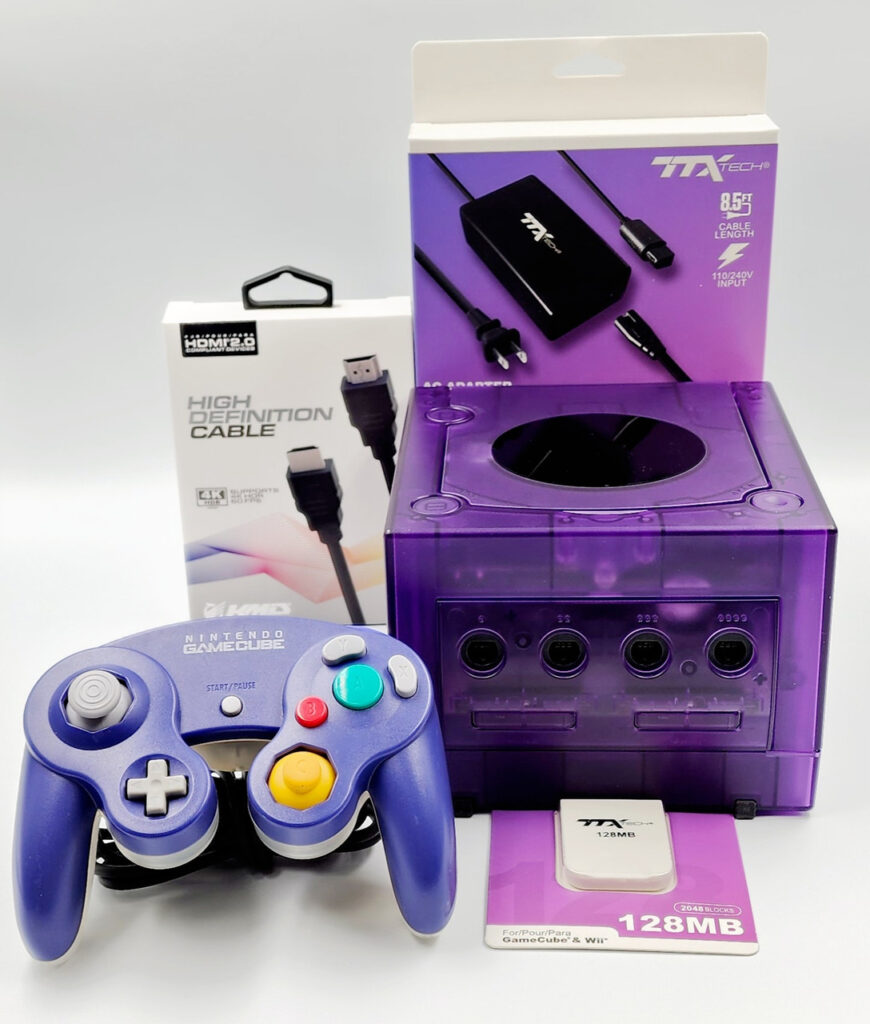
Nintendo GameCube
1️⃣ Console Setup (3 steps)
• Power & AV — connect composite or component to TV; select the input.
• Disc — insert a GameCube disc and power on.
• Controller — connect to Port 1; test buttons.
2️⃣ Accessories Setup
• Memory Card —insert into Slot A; save/load to confirm. (sold separately).
• AV to HDMI — use a converter if needed.