
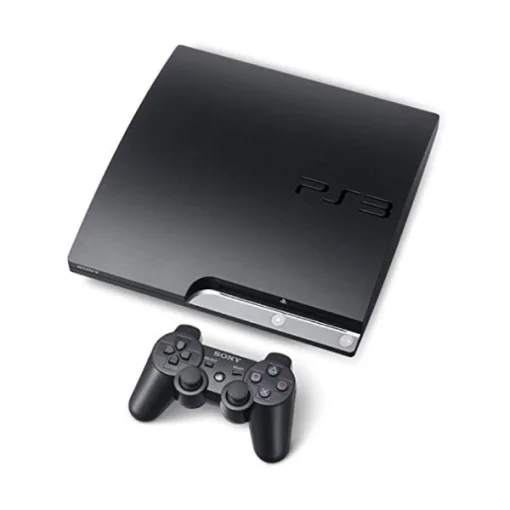
PlayStation 3 Slim
1️⃣ Console Setup (3 steps)
• Power & HDMI — Connect power and HDMI to the TV. Select the HDMI input.
• Boot — Power on the PS3 – if no video hold power button for 10 seconds.
• Controller — Plug DualShock 3 via USB; press PS button to pair; test wireless after unplugging.
2️⃣ Accessories Setup
• Discs — Insert PS3 Game .
• USB — charge a controller on one USB port to confirm it works.
• Storage — confirm the HDD is recognized and has free space
3️⃣ Fast Fixes
• No video — hold power ~10s to reset video; try a different HDMI port/cable.
• Controller won’t pair — connect via USB and press PS; then unplug.
• Disc not reading — try another disc; ensure disc is clean.