
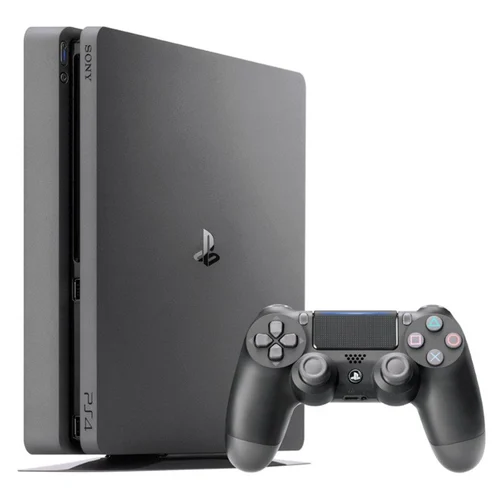
PlayStation 4 Slim
1️⃣ Console Setup (3 steps)
• Power & HDMI — Connect power and HDMI to the TV. Select the HDMI input.
• Boot — Power on to the PS4 home. If no video, hold power until second beep to start Safe Mode and set video.
• Controller — Connect DualShock 4 via USB and press PS to pair; then test wirelessly.
2️⃣ Accessories Setup
• Discs — test a PS4 game and a Blu■ray movie.
• USB — charge a controller on one USB port to confirm it works.
• Network — optional: connect Wi■Fi in Settings → Network.
3️⃣ Fast Fixes
• No video — try a different HDMI port/cable; Safe Mode → Change Resolution.
• Controller won’t pair — use USB and press PS; try a different cable/port.
• Disc not reading — try another disc; clean disc; reboot.