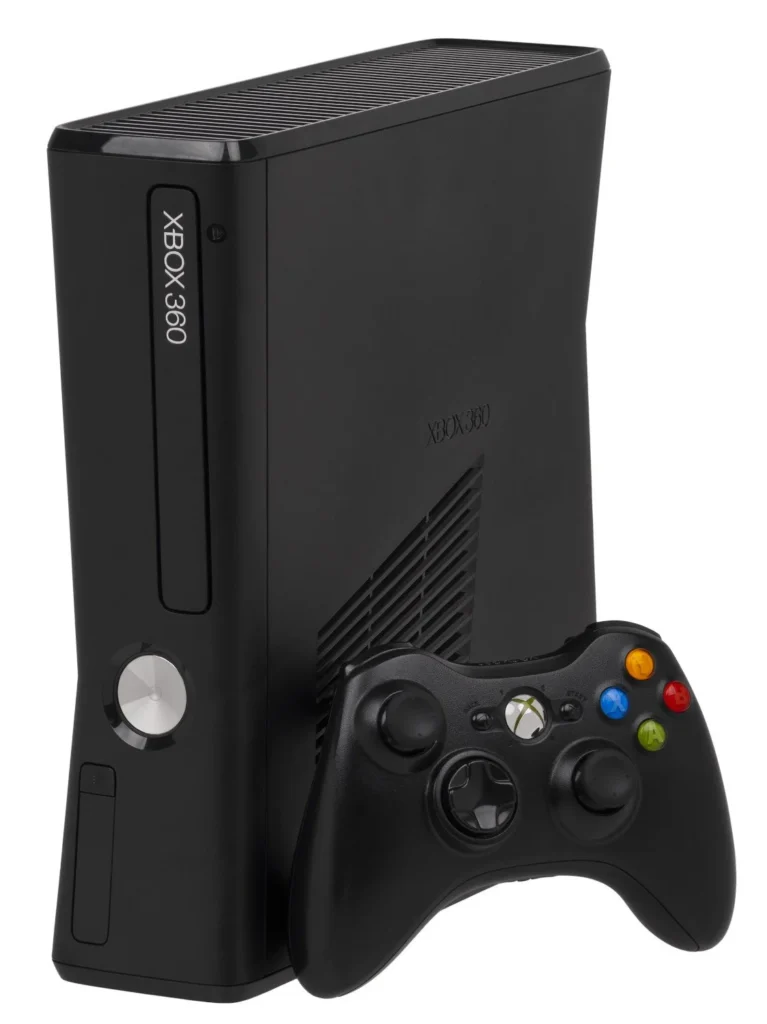
Xbox 360
1️⃣ Console Setup (3 steps)
• Power & AV/HDMI — Connect to TV and select the correct input.
• Boot — Power on to the Dashboard in ~10 seconds.
• Controller — Press Sync on console → press Sync on controller; test buttons.
2️⃣ Accessories Setup
• Video — component/composite or HDMI where available.
• Storage — confirm HDD/Memory Unit is recognized in Settings → Storage.
• Discs — test an Xbox 360 game and a DVD.