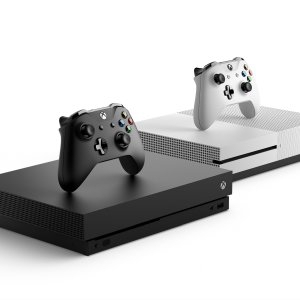
Xbox One (S / X)
1️⃣ Console Setup (3 steps)
• Power & HDMI — Connect to TV and select the HDMI input.
• Boot — Power on to Xbox Home.
• Controller — Hold Pair on console → hold Pair on controller; test wireless.
2️⃣ Accessories Setup
• Network — optional: connect Wi■Fi in Settings.
• Discs — test a game and a Blu■ray movie (if model supports).
• USB — test charge on a USB port.